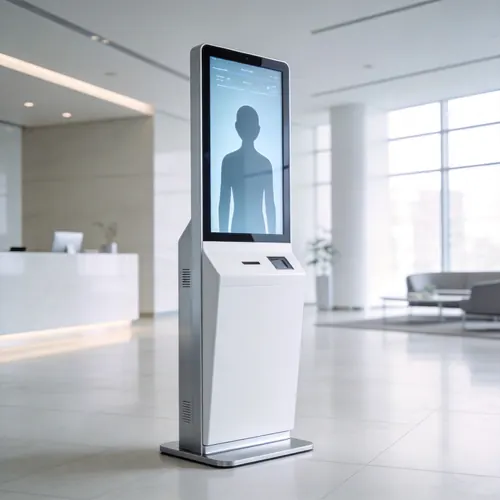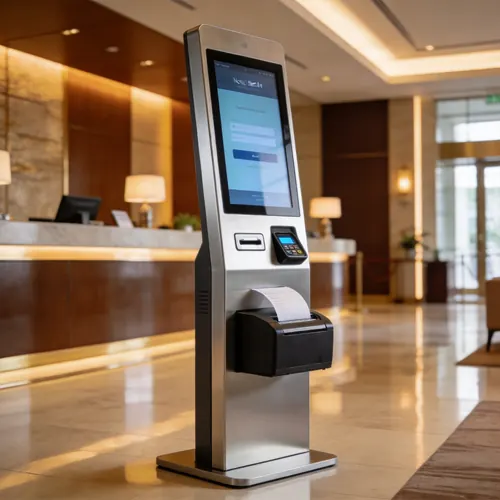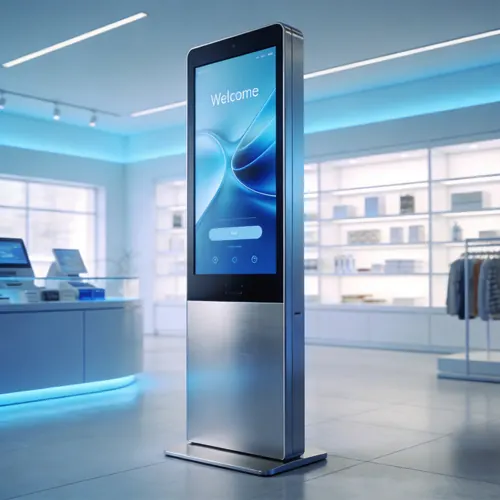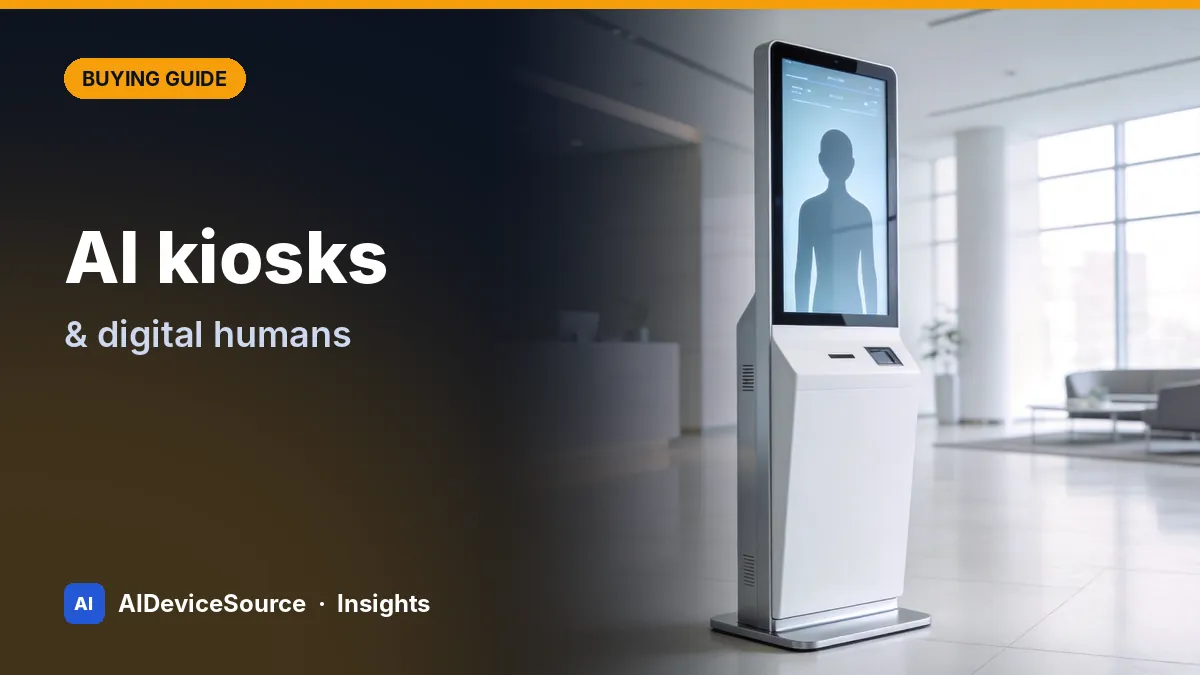
Self-service kiosks are not new — airports and fast-food chains have used them for years. What has changed is the AI layer. A kiosk can now understand spoken questions in many languages, show a lifelike digital human that answers naturally, recognise documents, and hand off to staff when needed. That opens new uses: hotel reception after midnight, hospital wayfinding, government service counters, retail product advice, and visitor check-in at offices and factories.
This guide is for project owners, system integrators and distributors specifying an AI kiosk project. It covers the decisions that matter, in the order you should make them.
Step 1: Define the use case and user journey
Write down, step by step, what a user does at the kiosk — from walking up to walking away. The journey tells you everything else.
| Use case | Typical journey | Key modules |
|---|---|---|
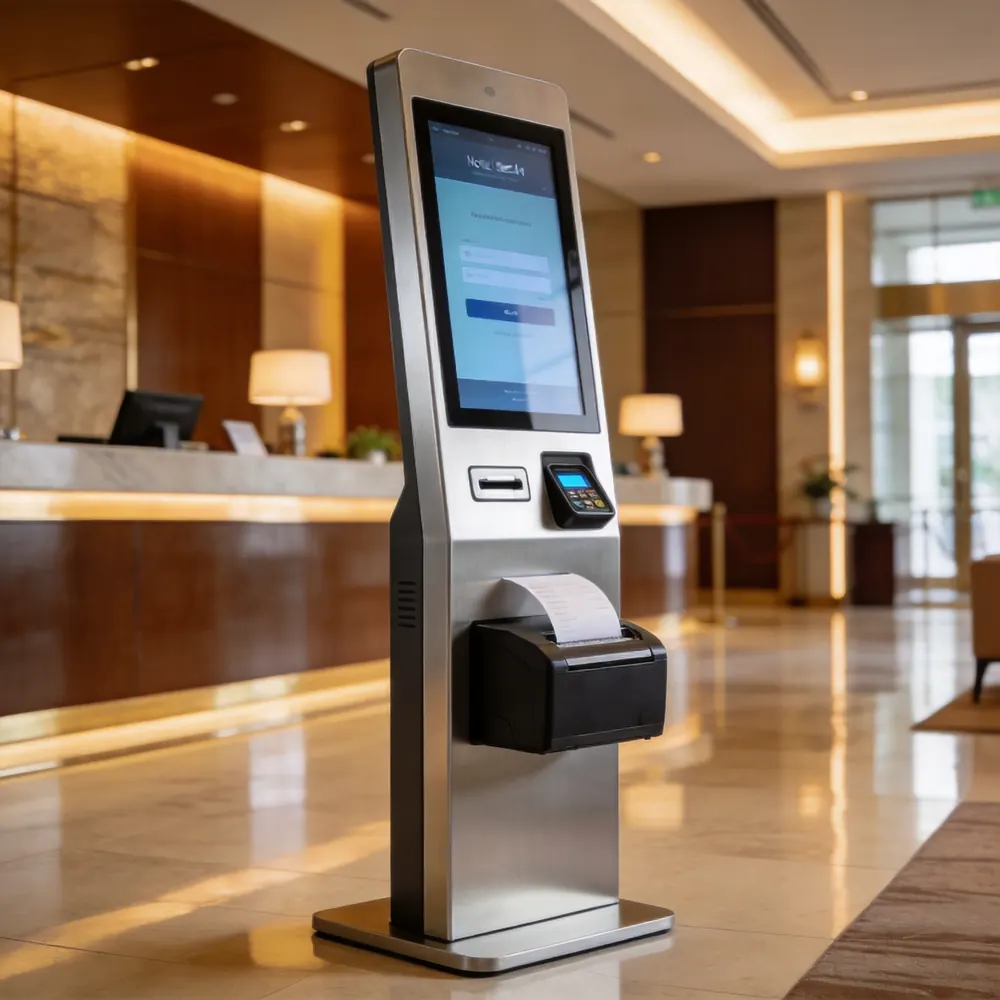
| Hotel self check-in | Find booking → scan passport/ID → pay → issue room key → receipt | Passport/ID reader, card terminal, RFID key encoder, printer, PMS integration |
| Digital human reception | Greet → ask question by voice → answer / wayfinding → notify host → print badge | Mic array, camera, speakers, badge printer, visitor-management integration |
| Retail ordering & payment | Browse → order → pay → receipt / pickup number | Card/NFC terminal, barcode scanner, printer, POS integration |
| Queue & information | Choose service → get ticket → wait for call → information screens | Ticket printer, display screens, queue software |
| Healthcare check-in | Identify patient → confirm appointment → pay co-pay → wayfinding | ID/insurance card reader, payment, privacy screen, HIS integration |
Our AI kiosks and terminals range covers these configurations with modular peripherals.
Step 2: Choose the hardware form factor
| Decision | Options | Guidance |
|---|---|---|
| Form factor | Floor-standing, wall-mounted, countertop, outdoor | Floor-standing for lobbies; countertop for small shops; outdoor needs IP rating and sunlight-readable screen |
| Screen size | 21.5" / 27" / 32" / 43" | Digital humans look best at 27"–32" portrait; menus and maps benefit from larger screens |
| Touch | Projected capacitive (PCAP), SAW for some outdoor use | PCAP 10-point is standard indoors |
| Brightness | ~350–450 nits indoor; 1,500+ nits outdoor | Bright lobbies with glass façades may need more than standard indoor brightness |
| Compute & OS | Android (RK3588 class), Windows IoT, Linux; x86 options | Follow the software: Windows for many PMS/legacy apps, Android for cost-efficient custom apps |
| Enclosure | Cold-rolled steel + aluminium, powder coat, custom RAL | Ask for tamper-resistant locks and service access from the front or rear as your site requires |
Step 3: Plan the AI and software layer
The digital human or voice assistant is what users remember, but it is one component of a software stack:
- Conversation engine — a large language model (cloud or, for some uses, on-premises) grounded in *your* knowledge base: opening hours, policies, room types, product data. Unrestricted chatbots invent answers; grounded ones don't.
- Speech in and out — multilingual speech recognition with a microphone array that handles lobby noise; natural text-to-speech with lip-sync for the avatar.
- Avatar — a branded digital human, cartoon character or simple voice UI. Lifelike avatars impress, but clarity and speed matter more.
- Business integrations — PMS for hotels, POS for retail, queue and visitor-management systems, payment gateways, access control.
- Device management — remote content updates, monitoring, alerts and OTA updates across all kiosks.
- Human handoff — a clear path to staff via call button, video call or notification when the AI can't help.
Step 4: Accessibility, payments and compliance
- European Accessibility Act (EAA) — since 28 June 2025, many self-service terminals placed on the EU market (including ticketing and check-in machines and interactive information terminals tied to covered services) must meet accessibility requirements, typically assessed against EN 301 549. Plan for audio output, adjustable or alternative input, readable contrast and reachable controls.
- US accessibility — under the ADA Standards, operable parts are generally expected within a reach range of about 15 to 48 inches above the floor, with clear floor space for a wheelchair. Public-sector tenders often add Section 508 requirements.
- Payments — card terminals must be PCI PTS certified; your software and integration partner handles PCI DSS scope. Use a certified payment module rather than custom card handling.
- Electrical and radio — CE / FCC / RoHS plus CB or LVD safety reports for commercial deployment; RED cybersecurity requirements apply to connected radio equipment sold in the EU.
- AI transparency — in the EU, from 2 August 2026 people must be told they are interacting with an AI system unless that is obvious; a visible label or spoken greeting ('I'm the hotel's virtual assistant') covers it.
- Privacy — cameras, ID scanning and voice recordings involve personal data. Define what is stored, where, for how long, and display the required notices. Avoid face recognition unless you have a clear legal basis.
Step 5: Estimate the total cost of ownership
| Cost item | One-off or recurring | Notes |
|---|---|---|
| Kiosk hardware | One-off | Indicative ex-works ranges: multi-purpose kiosks ~$680–$1,900; hotel check-in ~$980–$2,100; digital human kiosks ~$1,180–$2,600 per unit, depending on size and modules |
| Customisation (enclosure, branding) | One-off | Custom colour and logo are simple; new enclosure design adds engineering and lead time |
| Software licence / development | One-off and/or recurring | Off-the-shelf modules vs. custom app; integration work is often the largest item |
| AI & cloud usage | Recurring | Speech, LLM and avatar services are often billed per use or per device |
| Shipping, duties, installation | One-off | Plywood-cased kiosks ship by sea or air; plan site power and network |
| Maintenance & spares | Recurring | Printer paper, print heads, touch glass; agree spare-parts stock and response times |
Step 6: Pilot, then roll out
- Order 1–5 pilot units in the final configuration — or as close as possible.
- Install in a real location for 4–8 weeks and measure completion rates, average transaction time, handoffs to staff and user feedback.
- Fix the journey, not just the software: placement, signage, screen angle and lighting change results.
- Freeze the configuration and agree a golden sample, inspection criteria and spare-parts list.
- Roll out in batches, with remote monitoring from day one.
Project MOQs typically start around 10 units per configuration, with bulk lead times of roughly 30–45 days after drawing approval and deposit. Warranty for commercial terminals usually runs 12–24 months, extendable with a service contract.
Questions to ask every kiosk supplier
- Do you manufacture the enclosure and assemble in-house, or outsource?
- Which payment terminals, ID readers and printers are already integrated and tested?
- Which PMS, POS or queue systems have you integrated with before?
- How is the AI assistant restricted to approved content, and in which languages is it tested?
- What remote management and OTA update tools are included?
- What is the warranty, spare-parts policy and repair turnaround?
- Can you provide CE/FCC/CB reports and accessibility documentation for our market?
Planning a kiosk or digital human project?
Send us your use case, site photos and target quantity. We'll propose a configuration, integration approach and pilot quotation.
Frequently asked questions
What is a digital human kiosk?
A self-service kiosk that shows an animated, AI-driven virtual person who greets visitors, answers spoken questions in several languages, gives directions and can complete tasks such as check-in or badge printing, handing off to staff when needed.
How much does an AI kiosk cost?
Hardware typically ranges from several hundred to a few thousand US dollars per unit depending on screen size, peripherals and enclosure. Software, integrations, AI usage and maintenance often add as much or more over the life of the project.
Which operating system should a kiosk use?
Follow your software. Windows IoT suits many hotel PMS and legacy applications; Android on industrial boards is cost-efficient for custom apps; Linux suits some embedded and on-premises AI deployments.
Do self-service kiosks need to be accessible?
In many cases, yes. In the EU, the European Accessibility Act has applied to many self-service terminals since 28 June 2025. In the US, ADA standards and public-sector procurement rules set reach ranges and other requirements.
Can a kiosk accept card payments?
Yes, using a PCI PTS-certified payment terminal integrated with a payment provider. Avoid custom card-handling designs; the certified module keeps your compliance scope manageable.
What is the MOQ for custom kiosks?
Pilot units are available from 1 unit. Volume orders with custom branding typically start around 10 units per configuration; new enclosure designs may need higher volumes.
Products mentioned in this guide